
Live market pulse
Track live crypto prices, 24-hour change, volume, and daily high or low metrics with a layout tuned for quick scanning.
BlockSphere combines live crypto pricing, multi-timeframe charts, read-only order-book monitoring, paper trading, backtesting, and practical risk tools in one focused iPhone workspace.
Built for traders who want structure instead of noise: watchlists, alerts, ETF flow context, calculators, news aggregation, and clearer decision support.
BlockSphere is designed for users who prefer a coherent market desk instead of switching between charts, calculators, news tabs, and notes. Every module is built to shorten the gap between observation and structured action.
Track live crypto prices, 24-hour change, volume, and daily high or low metrics with a layout tuned for quick scanning.
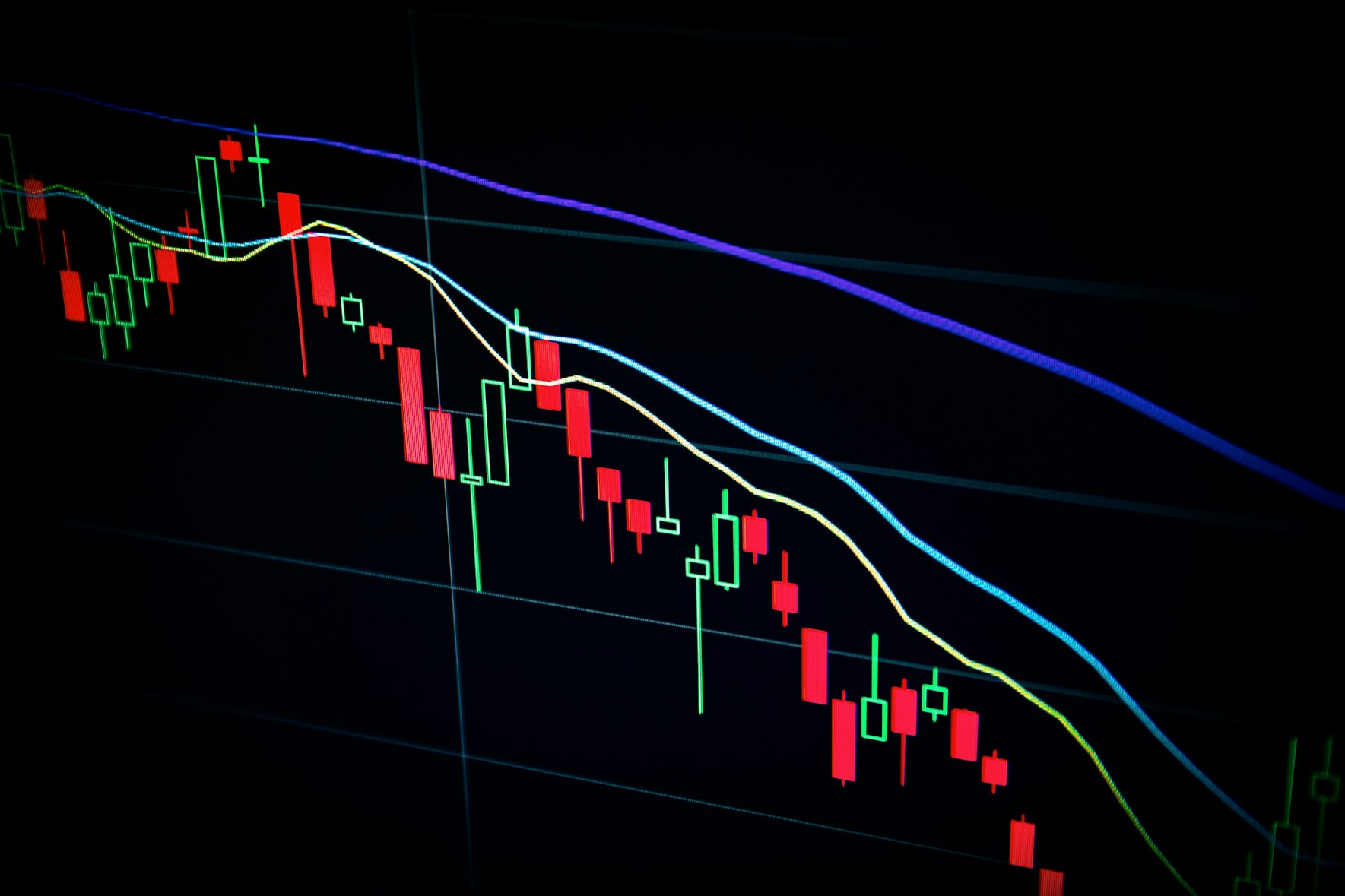
Analyze K-line charts across multiple timeframes with precision tools that keep context visible while you zoom into setups.
Build and manage symbol lists that make detailed pair access faster when market conditions change in minutes, not hours.
Explore read-only order-book depth and recent trades tape to understand momentum, liquidity pockets, and short-term behavior.
Simulate positions, review trade history, and inspect generated win-rate or average PnL before relying on a strategy in live markets.
Use global indicators, ETF flow views, alerts, converters, and fee or risk calculators to tighten process discipline.
BlockSphere was shaped around the cycle serious users repeat every day: observe, frame the trade, test the idea, size the risk, and study the outcome.
Use live prices, watchlists, and macro context such as ETF flows or global indicators to define what matters right now.
Move into chart review with timeframe switching, overlays, and depth or tape reading to confirm or reject the initial idea.
Test entry, exit, and sizing logic using paper trading and calculators before you attach emotional weight to a live outcome.
Backtest the framework, compare results, and use the app as an educational loop instead of a one-click prediction tool.
The product direction favors information hierarchy and trading discipline over entertainment. That means fewer distractions, stronger context, and tools that support repeatable habits.
Price, change, volume, and range stay visible together so fast sessions still feel grounded.
Read the tape before chasing the candle.Watchlists keep important pairs close, reducing the friction between a market trigger and a deeper review.
Less tab-switching, more coherent action.BlockSphere does not position itself as an automated promise engine. It helps users learn process and understand risk.
Designed to reinforce discipline over impulse.These answers summarize how BlockSphere fits into a disciplined crypto workflow on iPhone.
Both, with different use patterns. Newer users can rely on the educational workflow, calculators, and structured market view. Experienced users tend to value the charting, watchlists, paper trading, and compact access to context.
BlockSphere focuses on market tracking, analytics, and paper trading support. It is intended to help users study setups and sharpen process rather than replace a dedicated exchange execution environment.
It creates a lower-pressure environment for practicing position logic, reviewing outcomes, and spotting whether a setup works before money is involved.
Because price does not move in a vacuum. BlockSphere is designed to keep market structure, macro context, and trade planning connected instead of scattered across separate tools.
Install BlockSphere to monitor price action, practice paper trades, review strategy output, and keep your risk checks close to the chart.